See the words take shape.
Live Markdown styling, with formatting rendered inline and the markers gently dimmed.
A writing app, native to Mac
A little space to think. A place for every draft.
All built around plain Markdown files you own.
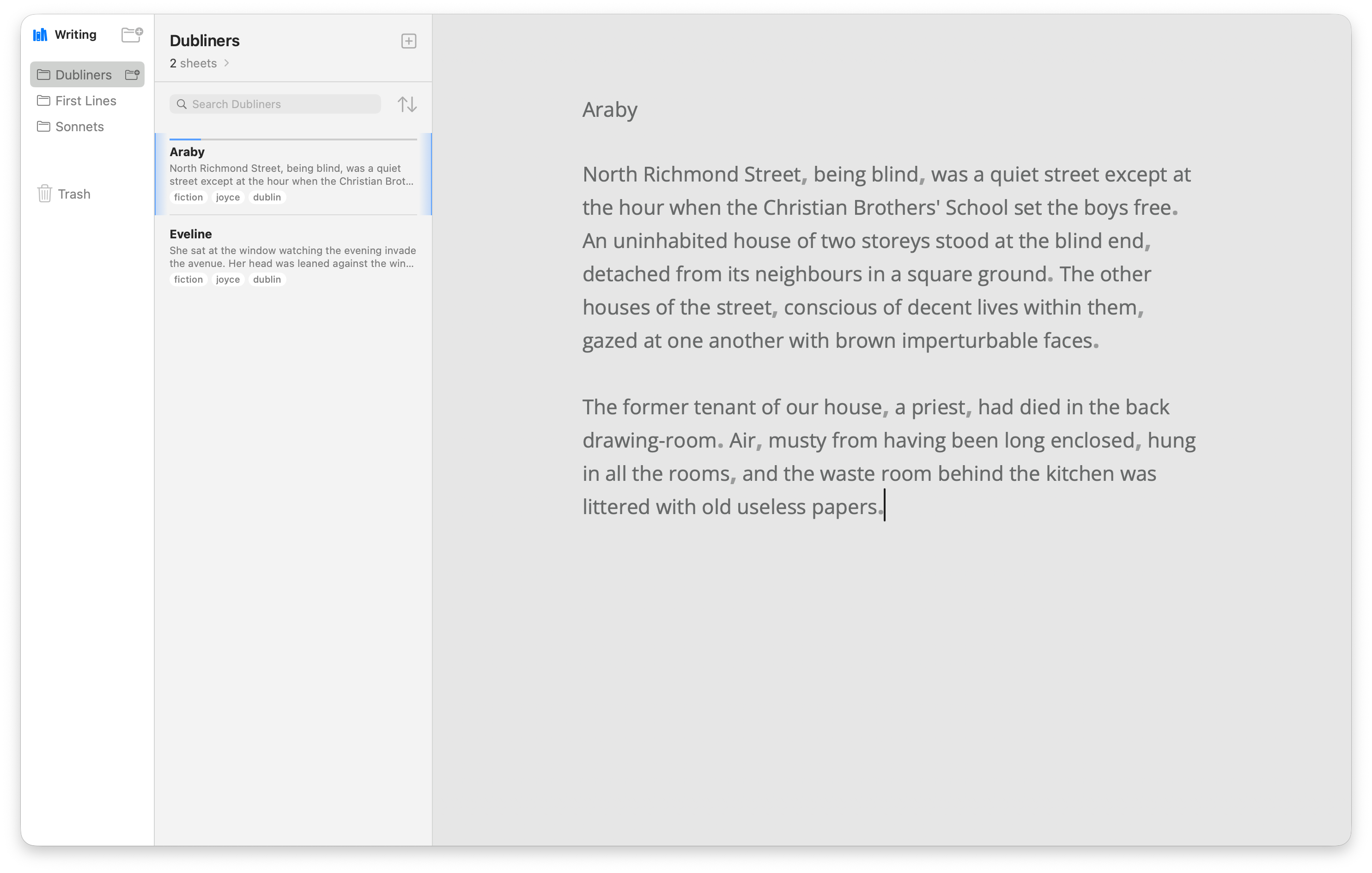
01 / Find your flow
Markdown takes shape as you type. Focus and Typewriter modes help you shape the space around your words.
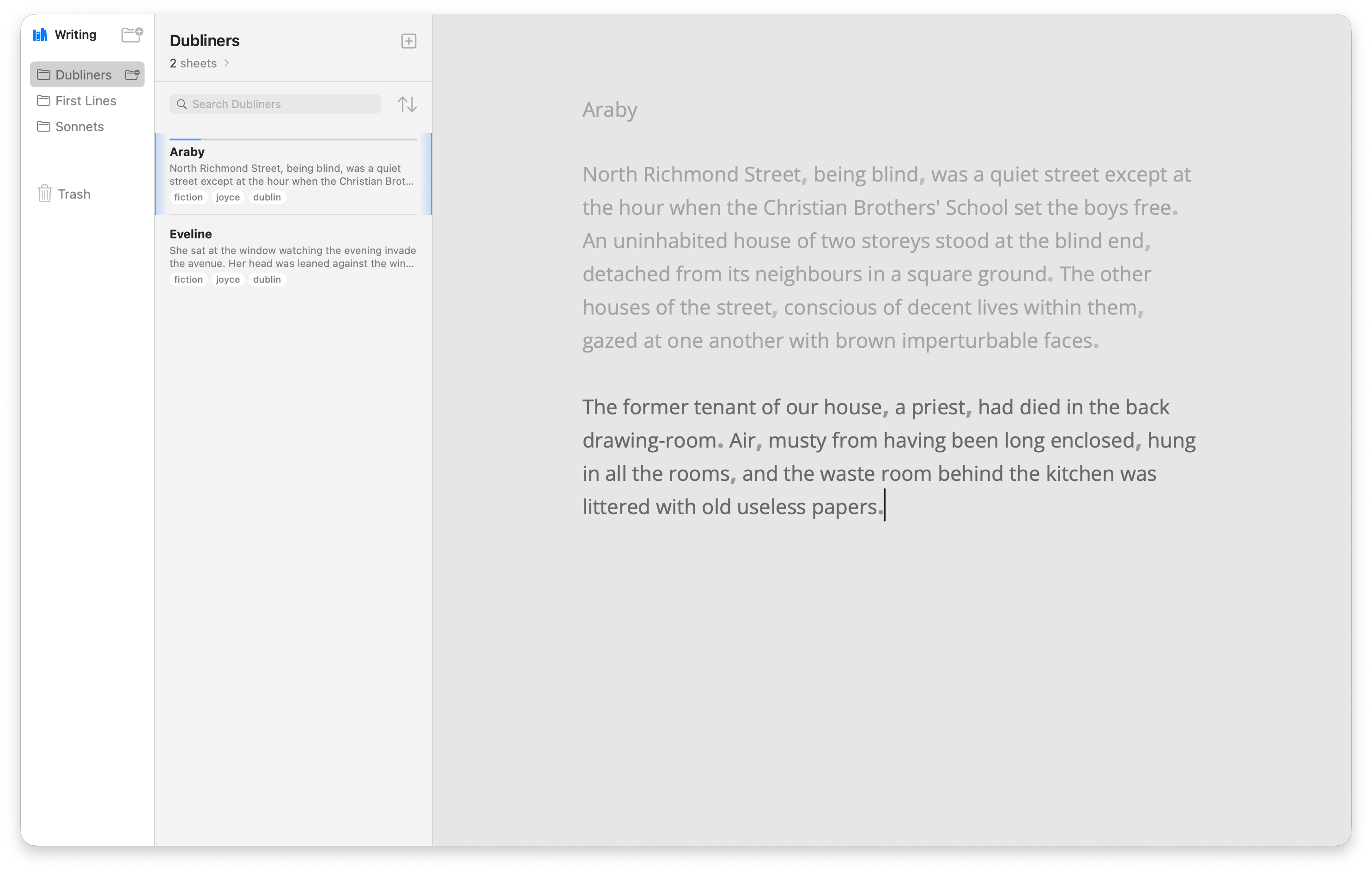
Live Markdown styling, with formatting rendered inline and the markers gently dimmed.
Typewriter mode keeps your current line centered. Each sheet remembers your last caret position.
Familiar shortcuts for bold, italic, and links. Find and replace with ⌘F.
02 / Bring it together
Gather sheets into groups. Move them as ideas grow. Find the thread again with tags and full-text search.
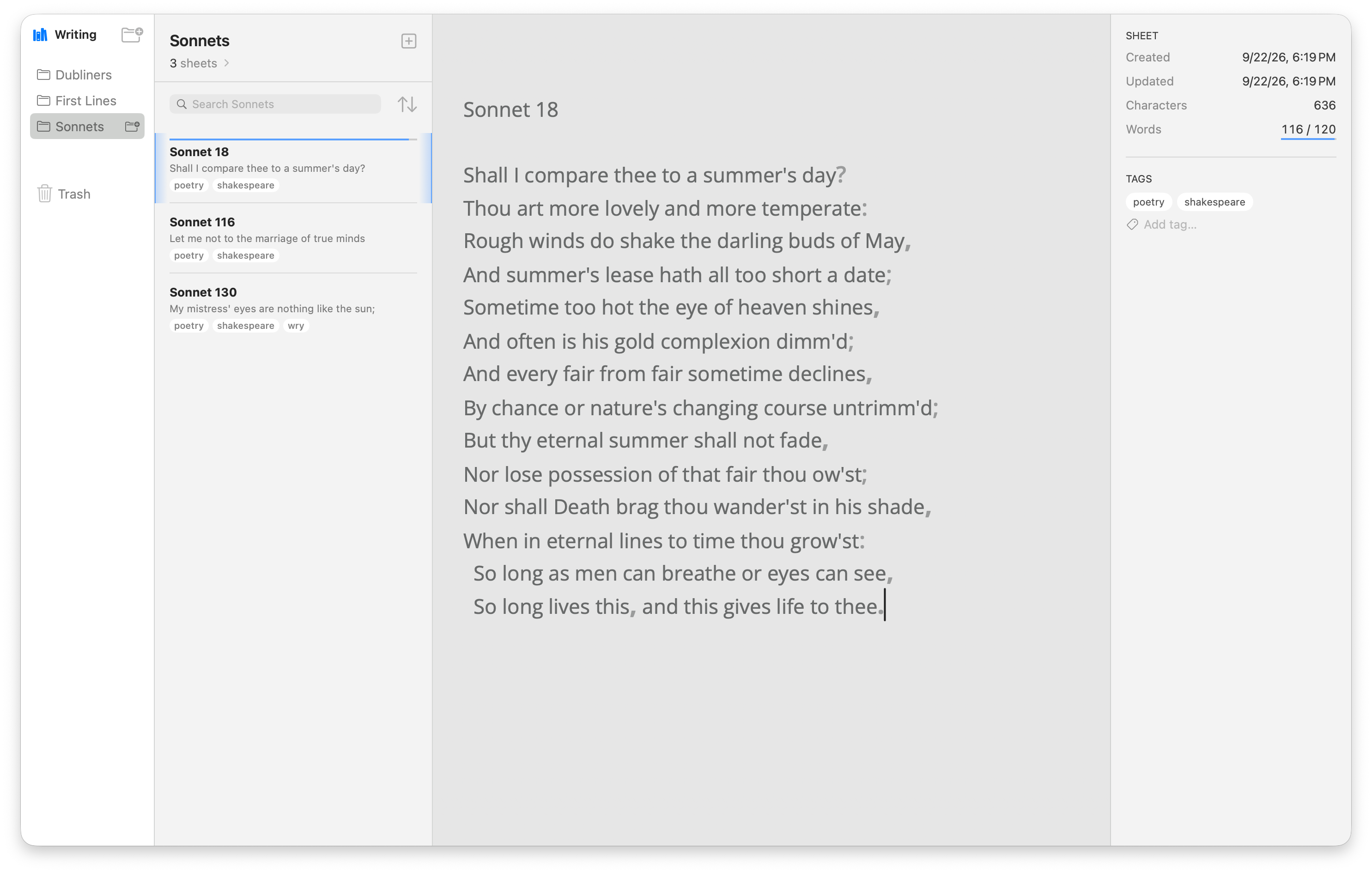
Move, nest, and reorder sheets and groups with drag and drop.
Click a tag to narrow a group’s sheet list. Search across titles, text, and tags.
Sheets are Markdown files. Groups are folders. Choose where your library lives.
03 / See where you are
A goal to work toward. An outline to find your way. Keep the useful details beside your draft.
Set word or character goals for sheets and groups. Watch the progress update as you write.
Jump to a heading or a highlighted passage from the sheet info pane. Keep your place in the story.
Outline & highlights
Product screenshot pending
04 / Set the mood
Light, Dark, or in step with your Mac.
Choose the appearance that feels right.
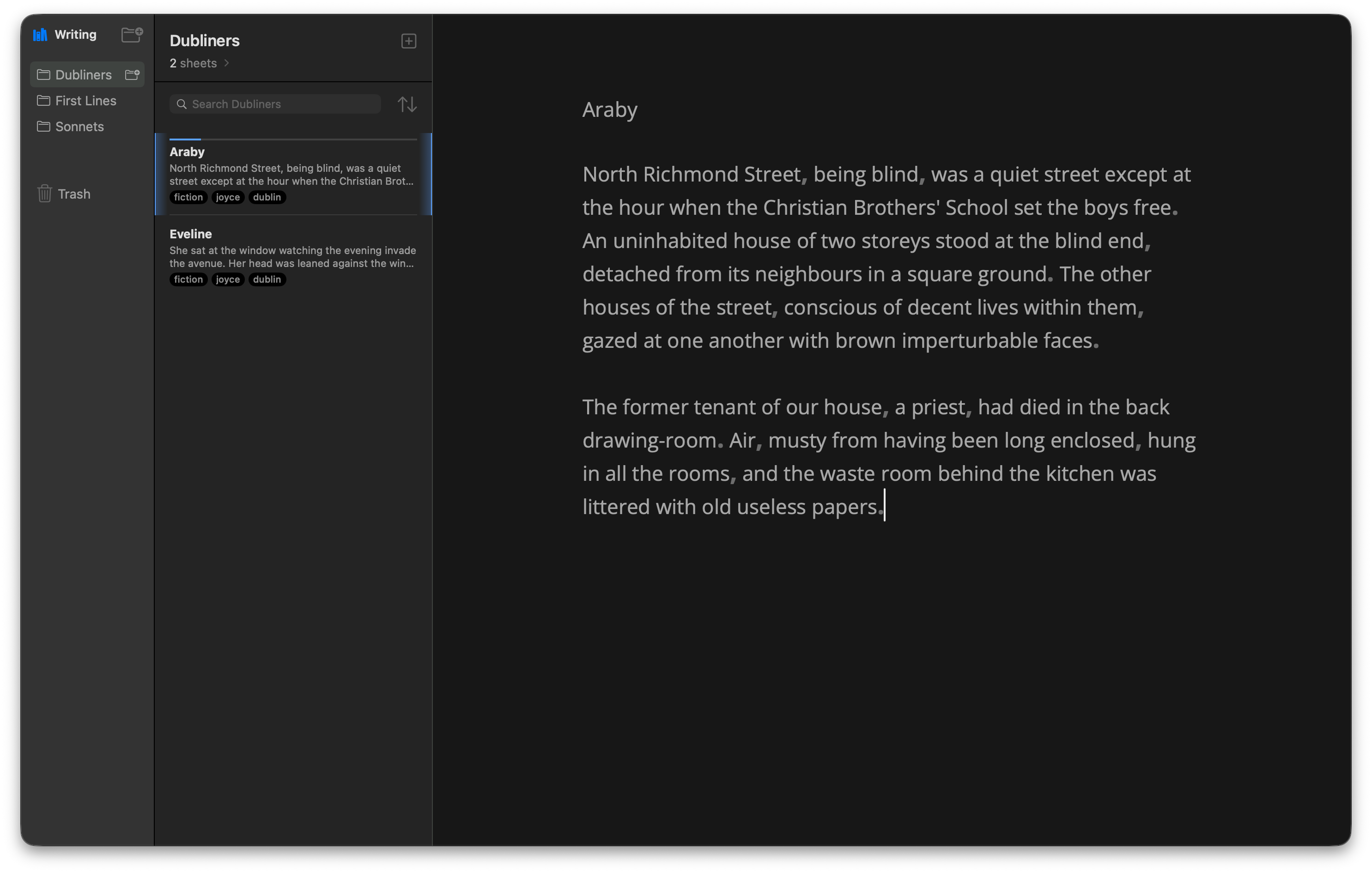
Your space, your way. Show or hide panes with ⌘1–⌘4.
A few useful details
Made for the Mac.
Grounded in plain files.
In plain Markdown files in a folder you choose. Groups are subfolders, and tags and writing goals live in YAML front-matter. Your files stay readable in other editors.
Yes. Writy saves automatically. If a file changes on disk underneath you, Writy keeps a conflicted copy instead of overwriting.
Yes. You can keep your library in iCloud Drive. Writy uses atomic, coordinated writes; iCloud handles the syncing.
Writy reads Ulysses-style Markdown, including first-line titles, trailing hashtag tags, and %% comments. A full Ulysses library importer is not built.
A Mac running macOS 14 or later. Writy is a native SwiftUI app.
For the words that come next